Why App Updates Need to Be This Easy — AppBuildChat’s Approach to App Editing
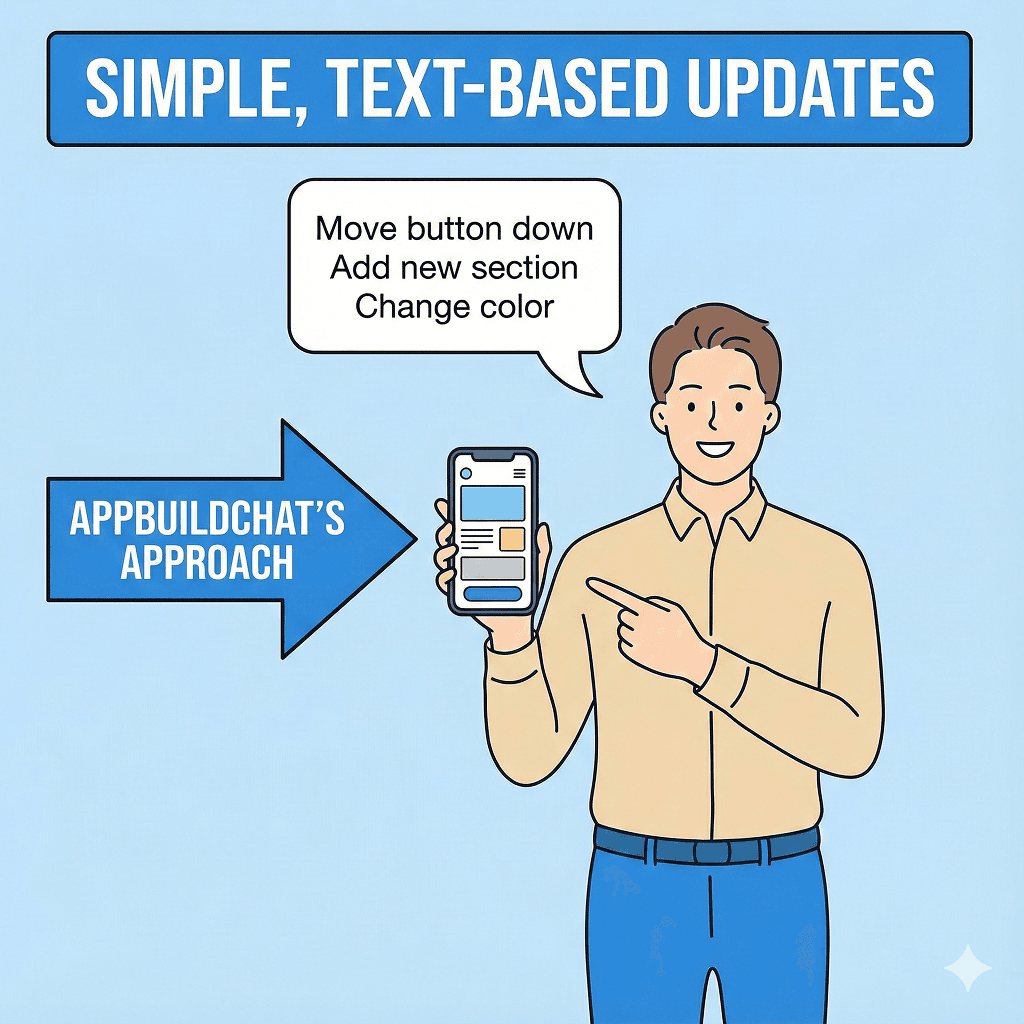
Users should focus on their business. Creating and updating an app should be as simple as explaining it in words.
Posted by: Bart Anderson
Why are app updates always so difficult and burdensome?
After building an app, the first reality many founders and teams face is the “barrier to updates.”
Even small changes—like moving a button or editing text on a specific screen—can feel overwhelming.
You have to contact a developer again, open design files, organize change requests into documents, and often give up halfway through.
As a result, the app ages quickly, user friction accumulates, and no one feels comfortable touching it.
App updates are difficult not because changes are inherently complex, but because the update process is designed in a developer’s language, not the user’s language.
A Shift in Thinking: App updates are not a technical problem, but a focus problem
The main reason founders struggle to update their apps is not a lack of technical knowledge.
The real issue is that the time and energy required for updates interfere with their core work.
Founders still need to watch the market, talk to customers, and think about business direction and goals.
If even a small app change requires understanding development structures, reviewing design files, and writing detailed specs, it naturally falls down the priority list.
AppBuildChat approached this differently.
We designed our update process around a simple premise: users should focus only on their business, and creating or updating an app should be doable by explaining it in words.
Decision Criteria: Why did AppBuildChat choose text-based updates?
The reason AppBuildChat chose a text-based update system is straightforward.
Most update requests already exist clearly in the user’s mind.
Statements like “I want this button to stand out more,” “The screen after sign-up feels confusing,” or “I’d like to use this feature on this page as well” clearly express both the problem and the direction.
The difficulty lies not in knowing what to change, but in translating that intent into code or design language.
That’s why AppBuildChat provides a dashboard chatbot for app updates (ModiChat).
Users can look at their app and freely describe changes in text.
Once a request is submitted, AI analyzes it structurally—identifying which screens, features, and design elements are affected.
A human review step then follows, where the final update direction is confirmed based on real app flow and usability.
Why design and functionality are handled together
App updates are not just about changing functionality.
Moving a single button changes visual flow, and editing text alters how the service feels.
For this reason, AppBuildChat does not separate updates into “feature changes” and “design changes.”
Based on the user’s intent and desired outcome, AI and humans together review the entire context of the app.
Design elements such as color, typography, and layout are adjusted as needed—without breaking the app’s category or existing identity.
As a result, users often experience this outcome: “I only asked for a small change, but the app feels more polished overall.”
Conclusion: Users state direction—the app should follow
AppBuildChat built this system for a simple reason.
Users are not here to manage apps—they are here to move their business forward.
The process of creating and updating an app should never hold them back.
Users should be able to explain what they want to change and what problem they want to solve in plain language.
From there, AppBuildChat takes responsibility for the complex analysis and execution.
When apps are built and updated this way, they finally become tools that support the user’s business.
AppBuildChat’s app update approach is a practical implementation of that division of responsibility.
Summary
App updates are difficult not because of technology, but because they steal the user’s focus.
AppBuildChat lets users explain update requests freely in text, while AI and humans analyze and apply changes to both features and design within seven days—allowing users to stay focused on their business goals.